Enquiry automation for small trades: what to automate first and what to keep personal
"Automation" sounds like something for big companies with call centres. For a one van trade, it's much simpler than that: the small, repetitive bits of handling an enquiry happen on their own, so you can stay on the tools and still reply fast.
This guide walks through the journey of a typical enquiry, shows which steps you can safely automate and which ones should always stay with you.
The journey of an enquiry
Almost every job goes through the same steps:
First contact. A call, a text, a Facebook message, a WhatsApp or a website form.
First reply. Letting them know you've seen it.
Getting the details. What's wrong, where, photos, when they're around.
The quote or the visit. You decide what it needs and what it costs.
Booking it in. Agreeing a time.
The reminder. Making sure they're in when you turn up.
The job itself.
The review request. Asking while they're happy.
The follow up. The service, the next job or the reminder a year later.
Most of the time lost, and most of the jobs lost, happen at steps 2, 3, 6 and 8. Those are also the easiest to automate.
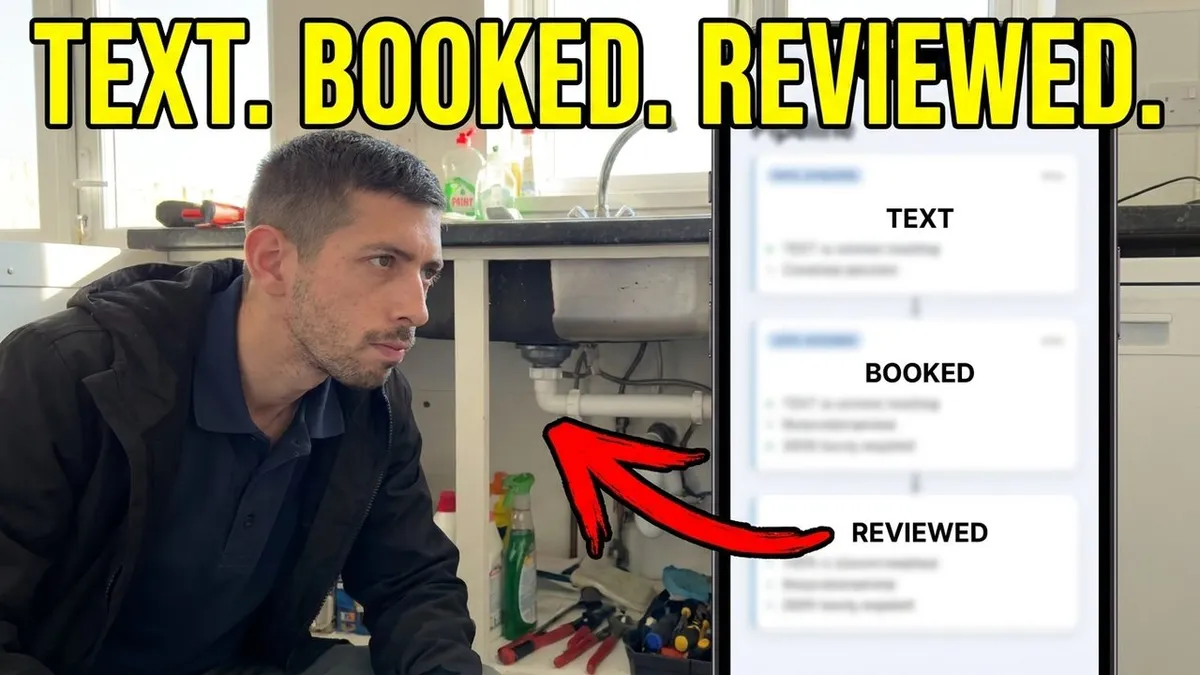
Watch it: one job going from text to booked to reviewed without the trade touching it.
What to automate first
The first reply
This is the big one. When you can't answer, the customer gets a text within seconds saying you've seen it and asking what they need. Research by MIT and InsideSales, published in Harvard Business Review, found that replying within five minutes made an enquiry 21 times more likely to become a real lead than replying after half an hour. A missed call text back does this for calls. An instant reply on your website form and messages does it for everything else.
Collecting the details
A job request form that asks for the postcode, a photo and what's wrong means the details arrive in writing, ready for when you have a minute. No more back and forth asking "what's the address?"
Putting every message in one place
Texts, Facebook, Instagram, WhatsApp, email and the website form, all in one inbox on your phone. This isn't really automation, but it stops enquiries going missing, which is the point.
Booking reminders
A text the day before saying "just a reminder, I'm with you tomorrow at 9" gives the customer a chance to tell you if something's changed before you've set off. Automatic reminders send it every time. More in no shows cost trades more than they think.
The review request
After the job, the customer gets a text with your Google review link. You don't have to remember and you don't have to feel awkward asking. See reviews on autopilot.
Repeat work reminders
Boiler services, gutter clears, EICRs and anything else that comes round on a timetable. When it's due, they get a reminder.
What to keep personal
Automation should handle the routine bits, never the judgement calls. Keep these with you:
Quotes on anything complicated. Only you know what a job really needs.
Complaints. Ring them. Always.
Price conversations and negotiations.
Anything unusual, such as access problems, vulnerable customers or a job outside what you normally do.
The work itself and the conversation on the doorstep.
A good setup hands anything like this straight over to you rather than trying to deal with it.
Where AI fits in
AI chat can go a step further than a fixed message. It can answer common questions, ask the follow up questions you'd ask and offer a time to book in, using your real services, areas and rules. It works best out of hours, when nobody's answering anyway. It should always hand over to you for anything it isn't sure about. You can see one working in can an AI really book jobs for a trade business?
The mistakes to avoid
Robotic messages. Write every automatic message the way you'd text a customer yourself. "Sorry I missed you, I'm on a job" beats "Thank you for your enquiry. A member of our team will be in touch."
Automating a messy process. If you don't know what you'd ask a customer, automation won't fix it. Work out the questions first.
Not answering when it hands over. If the system flags an enquiry for you, reply.
Setting it up and never checking it. Read through your messages once a week to make sure they still sound right.
Too many messages. One reminder is helpful. Four is annoying.
What it costs
You don't need a big setup. Our Full System covers all of the above, including the missed call text back, one inbox, AI chat that books, reminders, review requests and one free reactivation campaign. It's £199 a month with no setup fee and no contract, and it's live in 7 to 10 days. See the pricing page for everything included.
One enquiry, start to finish
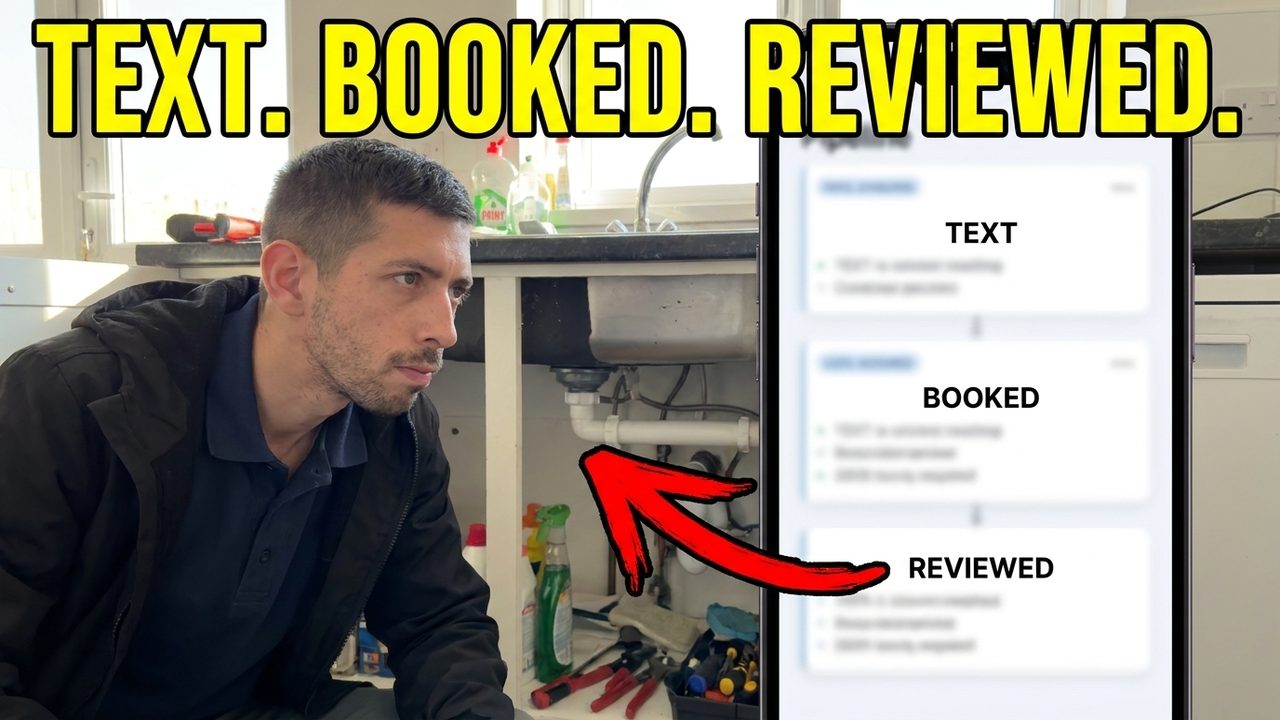
Here's what it looks like in practice for a plumber with the routine steps automated:
2:14pm: a customer rings about a dripping outside tap. The plumber is under a sink and can't answer.
2:14pm: the customer gets a text: "Sorry I missed you, I'm on a job. What do you need? I'll get back to you shortly."
2:16pm: the customer replies with the problem and a photo. It lands in the plumber's one inbox.
3:30pm: the plumber finishes, reads the message, replies with a price and offers Thursday morning.
The day before: the customer gets a reminder text and replies to confirm.
Thursday: the job's done.
That evening: the customer gets a text with the plumber's Google review link and leaves a review mentioning the tap and their town.
Next year: if it's a job that repeats, a reminder goes out when it's due.
The plumber typed two messages. Everything else happened on its own, and the customer felt looked after the whole way through.
Questions trades ask
What is enquiry automation?
It's the routine parts of handling an enquiry happening on their own: the first reply, collecting the details, booking reminders and review requests. You still do the quotes, the judgement calls and the work.
Will customers know the messages are automatic?
They'll know it's quick. If the messages are written in your own voice, most people just see a business that replies fast.
Is automation worth it for a one van trade?
Usually yes, because a one van trade is exactly who misses calls while working. Start with the first reply and the reminders, which make the biggest difference.
Can I change the messages myself?
You should be able to change the wording whenever you like, so it always sounds like you. Ask about that before you sign up to anything.
If you want to see the whole journey working on a real job, book a quick call.
