
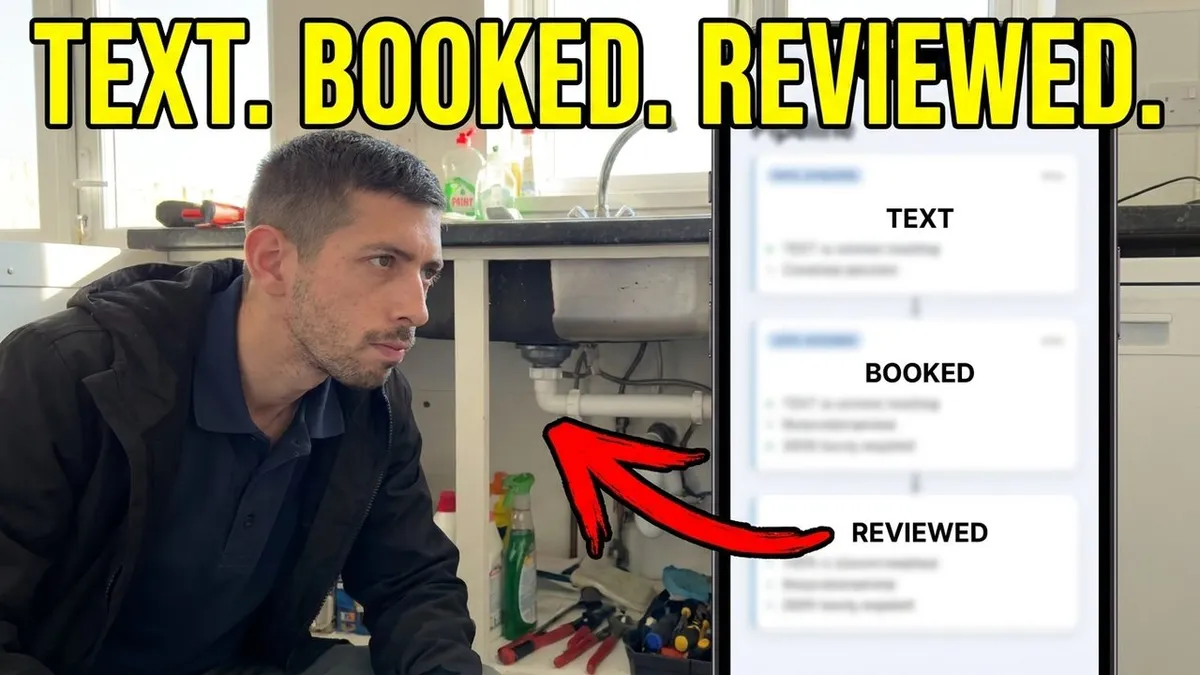
Can an AI really book jobs for a trade business? Here is one doing it
Most trades have the same two questions about AI chat. Does it actually work, and will it make me look daft in front of customers? The best answer is to watch one handle a real enquiry, which you can do on the See It Working page. This post explains what you are watching, what the AI can and can't do, and how to tell whether it's right for your business.
How a job goes from text to booked to reviewed without the trade touching it:
What the AI is doing in that conversation
The customer messages about a leak. The AI replies in seconds, asks where the water is coming from and how urgent it is, handles a curveball question, gives sensible advice and then offers two appointment slots from the calendar. The customer picks one, the booking is confirmed by text and the trade finds out about it when it's already in the diary.
How it knows what to say
The AI is set up on your business, not a generic script. Your services, your area, your prices if you want them shared, your working hours and the questions you would ask. If a customer asks something it doesn't know, it says so and hands over to you rather than making something up.
What it will not do
It will not take card details. It will not promise results or prices you haven't set. It will not pretend to be a person if asked directly. And for anything sensitive, it hands over to you.
The questions it asks, and why
A good AI chat asks the same things you'd ask on the phone, in the same order, so the job arrives ready to price. For a plumber that might be:
What's happened? A leak, no hot water, a blocked drain, a new install.
Where is it? The postcode, so it knows whether you cover them.
How urgent is it? Water coming through the ceiling is different from a dripping tap.
Can you send a photo? One photo saves a wasted trip.
When are you around? So it can offer a slot that suits both of you.
An electrician, roofer or landscaper gets a different set. The point is that the questions come from you, so by the time you read the conversation it's the one you would have had yourself.
When it hands over to you
The AI should never try to handle everything. It's set up to pass these straight to you:
complaints or unhappy customers
anything about a job you've already done
price negotiations or anything outside your normal prices
jobs you don't usually take on
anyone who asks to speak to you
You get the whole conversation in your inbox, so you're not starting from scratch when you pick it up.
Will customers mind talking to an AI?
Most people just want an answer and a time. If the reply is quick, sounds like a normal person and actually helps, they're happy. What puts people off is a bot that goes round in circles or won't let them reach a human. That's why ours hands over as soon as it's out of its depth, and says it's an AI if anyone asks.
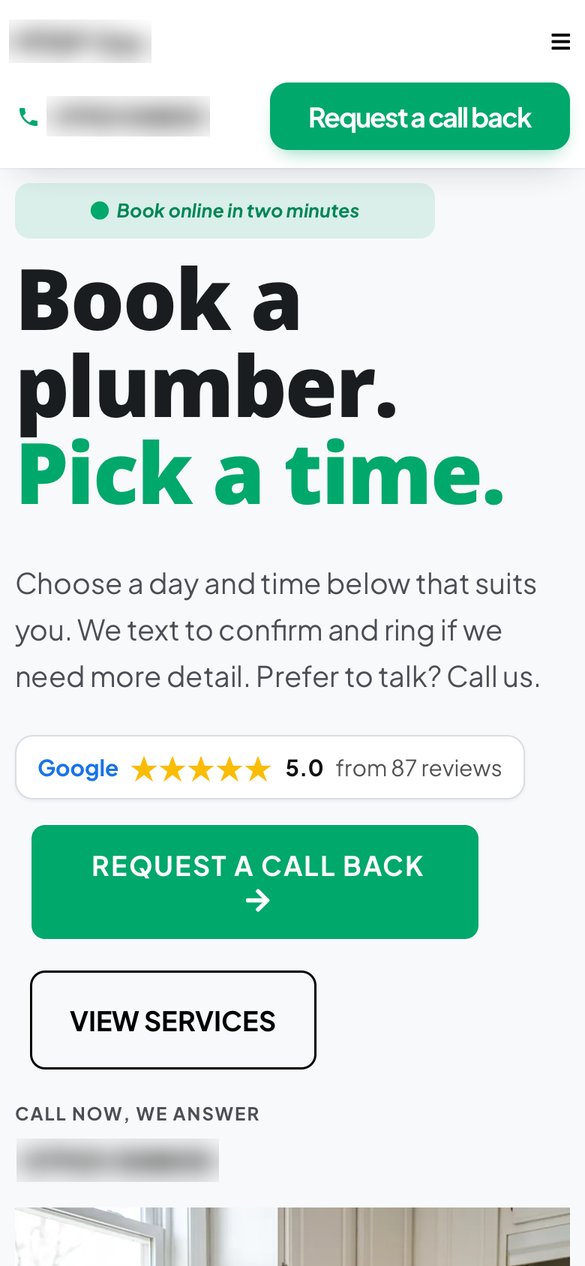
Where it fits
AI chat is part of the System plan, alongside missed call text back and one inbox. The three work together: the missed call becomes a text, the text becomes a conversation and the conversation becomes a booking. You can see the detail on the AI Chat That Books Jobs page, and there's a wider look at which parts of an enquiry to automate in enquiry automation for small trades.
The AI chat, part by part:
What we need from you to set it up
The AI is only as good as what it knows about your business. Setting it up takes one onboarding form and a short call, and covers:
Your services, in the words customers use, and the jobs you don't do.
Your areas, town by town, including any you'll only travel to for bigger jobs.
Your prices, if you want them shared. A callout fee, "from" prices or typical ranges are all fine. If you'd rather not share prices, it says you'll confirm after a look.
Your hours, and what it should say outside them.
Your calendar, so it only offers slots you can actually do.
Your rules, such as "always pass boiler installs to me" or "never book anything further than 20 miles away".
How you talk. Friendly and brief, or a bit more formal. It should sound like your business, not a call centre.
You can change any of it later. Most trades tweak the wording in the first couple of weeks once they've seen a few real conversations.
What a good AI conversation looks like
Here's the kind of exchange you'd see in your inbox, for a heating engineer:
Customer, 9:40pm: "Hi, boiler's showing a fault code and there's no hot water."
AI: "Sorry to hear that. What's the code on the display, and what make is the boiler? And what's your postcode, so I can check we cover you?"
Customer: "F28, Worcester, ME14."
AI: "Thanks. We cover ME14. That code usually needs an engineer to look at the gas supply and ignition. I can book you in tomorrow at 10am or 2pm. Which suits?"
Customer: "10 please."
AI: "Booked for 10am tomorrow. You'll get a text the evening before. If the boiler starts working again before then, just reply here."
The engineer wakes up to a booked job with the make, the code and the postcode already in the notes. That's the point. Not a clever chat, just a useful one.
A quick checklist before you switch it on
Your services, areas and hours are all filled in.
Your calendar only shows slots you can genuinely do.
You've decided which jobs it should always pass to you.
You've read the first few conversations and changed any wording that doesn't sound like you.
You know how to take over a conversation from your phone.
Questions trades ask
Can an AI really book jobs?
Yes, if it's connected to your calendar and set up with your services, areas and working hours. It offers real slots, the customer picks one and the booking is confirmed by text.
What if it gets something wrong?
You can see every conversation and take over at any point. It's set up to hand over rather than guess, and you can change what it says whenever you like.
Does it work at night and weekends?
Yes. That's where it earns its keep, because that's when nobody else is answering.
Is AI chat included in Basic?
No. It's part of the Full System at £199 a month, along with missed call text back, one inbox, reminders and review requests.
What to do next
Watch the walkthrough on the See It Working page, try the demo job request form, then book a quick call or sign up on the pricing page.
