CRM Automation for UK Trades and Service Businesses: The 2026 Guide
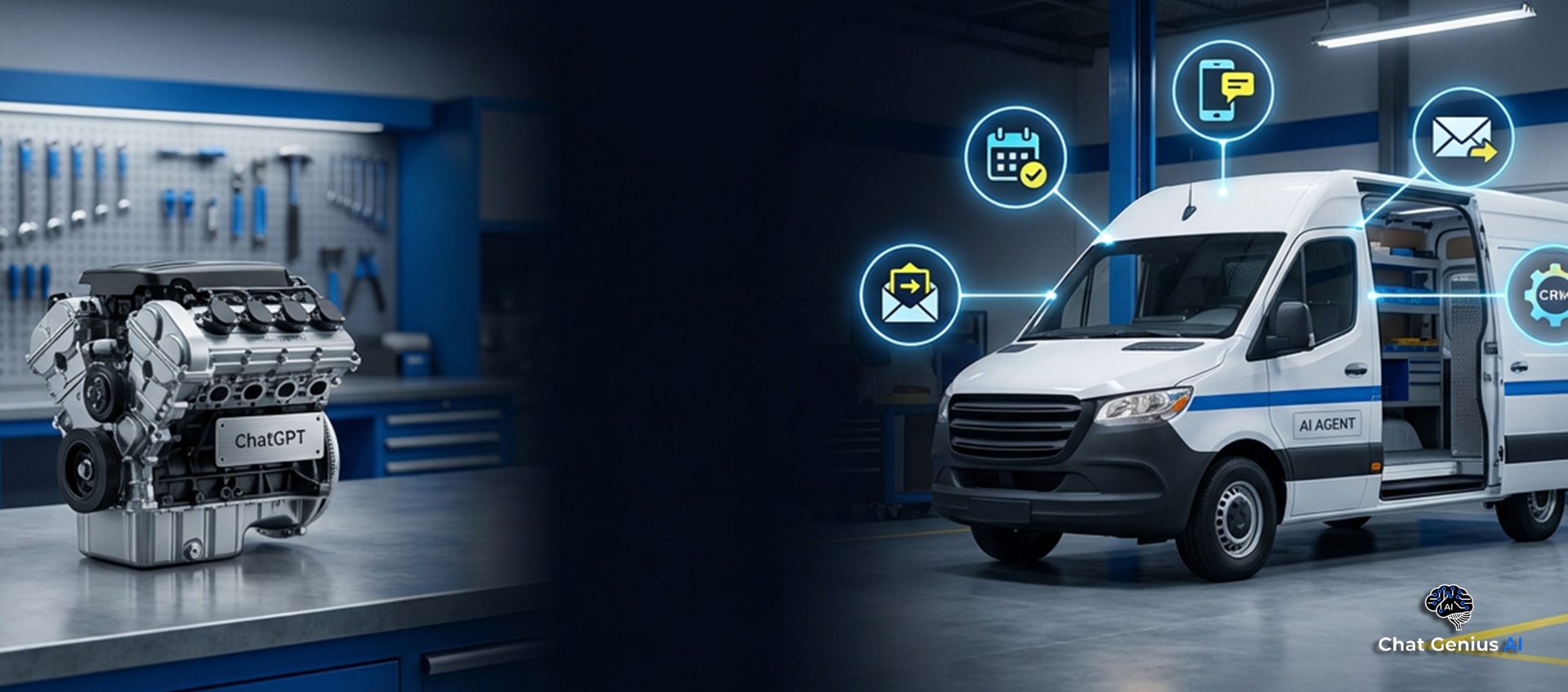
FIG 01: Lead Generation
What CRM Automation Actually Means (And Why Most People Get It Wrong)
When most trades business owners hear "CRM," they picture a glorified contacts list. A database where you store customer names, phone numbers and job details. Something you have to log into, update manually and remember to check every day.
That is not CRM automation. That is just a digital version of the notebook you already keep in your van.
Real CRM automation means the system takes action on your behalf. When a lead comes in, the CRM captures it automatically. It sends an instant response. It qualifies the enquiry. It follows up if the customer goes quiet. It books appointments into your calendar. It asks for reviews after the job is done. All of this happens without you lifting a finger.
The difference between a CRM and an automated CRM is the difference between a filing cabinet and a full-time office manager who never sleeps.
Why Trades Businesses Need This More Than Anyone
If you are a plumber, electrician, roofer or builder, your working day does not happen at a desk. You are on site from early morning. Your hands are covered in dust, grease or plaster. You cannot stop mid-job to reply to every enquiry that comes in through your website, Facebook page or Google listing.
But here is the problem: the customer who sent that enquiry is also messaging your three nearest competitors. Research shows that 78% of customers go with the first business to respond. If you reply four hours later (or the next morning), the job is already gone.
This is not a matter of being lazy or disorganised. It is a structural problem. You physically cannot respond fast enough while doing the work that pays the bills. CRM automation solves this by handling the admin side of lead management while you focus on the tools.
The Lead Lifecycle: From Enquiry to Five-Star Review
Every lead your business receives follows a predictable journey. Understanding this lifecycle is the key to knowing where automation makes the biggest impact.
1. Enquiry: A potential customer reaches out via your website, social media, Google Business Profile or phone. They want a quote, a callback or more information.
2. Qualification: Is this a genuine lead? Are they in your service area? Is the job something you actually do? Is their budget realistic?
3. Follow-up: The customer does not reply to your first message. Do you chase them? How many times? When?
4. Booking: The lead is interested. Now you need to get a site visit or consultation into the diary.
5. Job completion: The work gets done. But the relationship should not end here.
6. Review and referral: A happy customer is your best marketing asset. But only if you actually ask for the review.
Most trades businesses handle stages 1 and 5 reasonably well. They answer enquiries (eventually) and they do good work. But stages 2, 3, 4 and 6 are where jobs are lost and money is left on the table.
What Can Be Automated at Each Stage
Here is what a properly configured CRM automation system handles for you:
Enquiry capture: Every message from every channel (website chat, Facebook, Instagram, Google, email, SMS) lands in one unified inbox. No more checking five different apps.
Instant response: The system replies within 2 seconds. Not a generic "thanks for your message" template, but an intelligent response that acknowledges what the customer asked and starts qualifying them.
Qualification: The AI asks the right questions. What type of job? Where are you based? When do you need it done? What is your budget? It filters out time-wasters and prioritises genuine opportunities.
Automated follow-up: If a lead goes cold, the system follows up automatically. Not just once, but through a structured sequence over days or weeks. It knows when to nudge, when to offer a callback and when to stop.
Booking: Qualified leads get sent a booking link or offered available time slots directly. The appointment goes straight into your calendar with all the job details attached.
Post-job review requests: After the job is marked complete, the system sends a review request via SMS or email. It links directly to your Google Business Profile so the customer can leave a review in seconds.
The Notebook vs CRM Automation: An Honest Comparison
Let us compare how a typical trades business manages leads today versus what CRM automation looks like in practice.
Manual process (notebook or spreadsheet):
CRM automation:
The difference is not subtle. It is the difference between running a business and chasing a business.
Key Features to Look For in a CRM Automation System
Not all CRM platforms are built for trades businesses. Here is what matters:
AI-powered response: The system should reply intelligently, not just send a canned "we will get back to you" message. It needs to understand the enquiry, ask relevant questions and sound like a real person.
Pipeline tracking: You need to see every lead, where they are in the process and what the next action is. A visual pipeline (similar to a kanban board) makes this easy to manage at a glance.
Automated follow-up sequences: The system should follow up automatically based on rules you set. If a lead does not reply within 24 hours, it sends a nudge. If they go quiet for a week, it tries a different approach.
Mobile access: You are not at a desk. The CRM must work perfectly on your phone so you can check your pipeline, see new leads and manage bookings from site.
Multi-channel inbox: Leads come from everywhere. Your CRM should pull messages from your website, Facebook, Instagram, Google, SMS and email into one place.
Review management: Automated review requests after job completion, with direct links to your Google Business Profile.
Real Scenario: A Roofer Managing 40 Leads Per Month
Let us look at a concrete example. Dave is a roofer in Manchester. He gets around 40 enquiries per month from his website, Google Business Profile and Facebook page.
Without CRM automation: Dave checks his phone between jobs, usually replying 3 to 5 hours after the enquiry. Some days he forgets entirely. He follows up once with customers who do not respond. He loses track of who said what. He converts about 6 of those 40 leads into paying jobs at an average of £2,800 per job. Monthly revenue from leads: £16,800.
With CRM automation: Every one of Dave's 40 enquiries gets a response within 2 seconds. The AI qualifies them, checks they are in his service area and books site visits automatically. It follows up with every lead who goes quiet, using a structured sequence over 14 days. Dave now converts 14 of those 40 leads. Monthly revenue from leads: £39,200.
That is an extra £22,400 per month from the same number of enquiries. Dave did not spend more on ads. He did not hire an office manager. He just stopped losing the leads he was already generating.
Over 60 days, businesses using this kind of system typically recover £72,000+ in revenue that would otherwise be lost to slow response times and missed follow-ups. The AI responds in 2 seconds and books 7 out of 10 appointments automatically.
Cost Breakdown and ROI
CRM automation for UK trades businesses typically falls into two categories:
AI Chat Widget (£99/month): Covers your website with an intelligent chat widget that responds instantly, qualifies leads and captures contact details 24/7. Ideal if you want to start with the basics and see immediate results.
Full AI Agent (£389/month): Includes everything above plus multi-channel automation (SMS, email, social media), automated follow-up sequences, pipeline management, booking automation and review requests. This is the complete system for businesses serious about scaling.
Now consider the ROI. If your average job is worth £1,500 and the system wins you just three extra jobs per month, that is £4,500 in additional revenue. Against a £389 monthly cost, that is more than an 11x return.
Compare that to hiring a part-time receptionist at £800+ per month, a virtual assistant at £500+ per month or simply continuing to lose two or three jobs a week because you replied too late.
There are no setup fees and every plan includes a 7-day money-back guarantee, so there is zero risk in trying it.
How to Get Started with CRM Automation
The fastest way to see CRM automation in action is to try a personalised demo. You enter your business details and the system creates a working demo tailored to your company. You will see exactly how the AI handles the kind of enquiries your customers actually send.
Try the free personalised demo here
The demo takes about 60 seconds to set up. You will watch the AI respond to a realistic customer enquiry using your business name, services and pricing.
If you like what you see, deployment takes 5 to 7 days. We build the system, train it on your business information, connect it to your website and communication channels, and handle the entire setup for you.
No technical skills required. No software to install. No long-term contracts.
Stop Managing Leads in Your Head
Every enquiry sitting in an unread email, a scribbled notebook or a forgotten voicemail is a job going to your competitor. CRM automation is not about replacing the personal touch that wins you customers. It is about making sure every lead gets the fast, professional response they expect, even when you are knee-deep in a job.
The technology is here, it is affordable and UK trades businesses are already using it to book more work, recover lost revenue and reclaim their evenings.
Book Your Free Success Session or try the demo to see the difference for yourself.
Ready to Transform Your Business?
Book a free Success Session and let us show you how we can implement these strategies for you.