

Can you take your reviews with you? Why they belong on Google
You've done good work for years. Along the way you've built up 80, 120, maybe 160 reviews on a lead site. Now the fee has gone up, the leads have thinned out and you're thinking about leaving. Then the question hits: what happens to all those reviews?
On review sites, some trades say this is the only thing keeping them paying. One describes staying on a lead site purely because 160 reviews sit on their profile there. That's a lot of money to keep something you earned with your own hands.
This post explains where your reviews actually live, why you usually can't take them with you and how to build reviews somewhere that stays put whether you pay anyone or not.
Where your reviews actually live
A review lives on whichever website the customer typed it into. That sounds obvious, but it matters.
Reviews on a lead site or directory sit on that site's pages, under that site's rules. Your profile and the reviews on it exist because you have an account with them.
Reviews on your Google Business Profile sit on Google, attached to your listing. The listing is free. Nobody bills you to keep it.
Reviews on your Facebook page sit on Facebook, attached to your page.
Lots of trades search "can I take my Checkatrade reviews with me". The honest answer for any lead site or directory is much the same: the reviews are part of their website. Each one has its own rules on what happens to your profile when you stop paying, so ask them directly and get the answer in writing.
Why you can't just copy them over
You might think you could copy your best reviews onto Google. You can't. Google's rules say a review has to be written by a real customer about their own experience. Posting reviews for someone else, even word for word, breaks those rules. They can be taken down and your profile can be restricted.
Fake reviews are also illegal in the UK now. Since April 2025, consumer law bans writing fake reviews and paying anyone to write them.
Putting lead site reviews on your own website is a grey area. Some sites let members show a badge or a widget while they're paying. Others don't. Check their terms first.
What you can do is ask those same customers to leave a fresh review on Google. Plenty will, if you ask nicely and make it easy.
Rent or own: the real difference
Think of it like this. Reviews on a lead site are a bit like a sign on rented land. While you pay, it's up and people see it. When you stop, it's not yours to decide.
Reviews on your Google profile are attached to something you control for free. They show up in Google Maps and in the panel beside the search results. That's exactly where local customers look when they type "plumber near me" or "electrician Maidstone".
Be honest with yourself on one point: you don't own a Google review in a legal sense either. Google can remove reviews that break its rules. But your profile doesn't vanish because a direct debit stopped.
A worked example
Say you're paying a lead site £100 a month. That's £1,200 a year. Part of what you're buying is keeping that review count in front of people.
Now say you finish 15 jobs a month. The day you finish, every customer gets a short text with your Google review link. If one in four leaves a review, that's three or four a month.
After 3 months: about 11 Google reviews.
After 6 months: about 22.
After 12 months: about 45.
That's 45 reviews on your own profile, from real local jobs, all recent. Recent matters. Someone looking at your profile wants to see you're working now, not that you were good in 2019.
Your numbers will be different, so put your own in. The point is the gap closes faster than most people expect once asking becomes a habit.
Don't cancel first
If you're thinking of leaving a lead site, don't cancel and then start on Google. Do it the other way round.
Check your Google Business Profile is yours. You should be the owner, not an old web designer or a relative. Our Google Business Profile checks walk you through it.
Get your review link. It's in your profile under "Ask for reviews". Save it in your phone so it's one tap away.
Ask past customers. Text the happy ones from the last year. Lots of them already reviewed you on the lead site. Many will gladly do one on Google too if you ask.
Ask every new customer. Same day as the job. The full how to, with wording, is in how to get more Google reviews.
Reply to every review. Good or bad. Customers read the replies.
Read the lead site's notice terms while all this builds, so you know when you can leave without a fee.
Decide with the numbers in front of you. Once your Google profile is doing the job, leaving is a choice, not a gamble.
If you want to know what the lead site is really costing you per job before you decide, work it through in your real cost per job from leads.
What not to do
Don't offer a discount or a gift for a review. Google's rules ban rewards for reviews.
Don't only ask the customers you think are happy. Google's rules say not to pick and choose. Ask everyone.
Don't write reviews for customers or get family to leave them.
Don't panic about one bad review. A calm, fair reply often does more good than the review does harm.
Where your website fits
Your own website is the other half of this. It's where customers land after they've seen you on Google, so link to your Google reviews from it and let people read them for themselves.
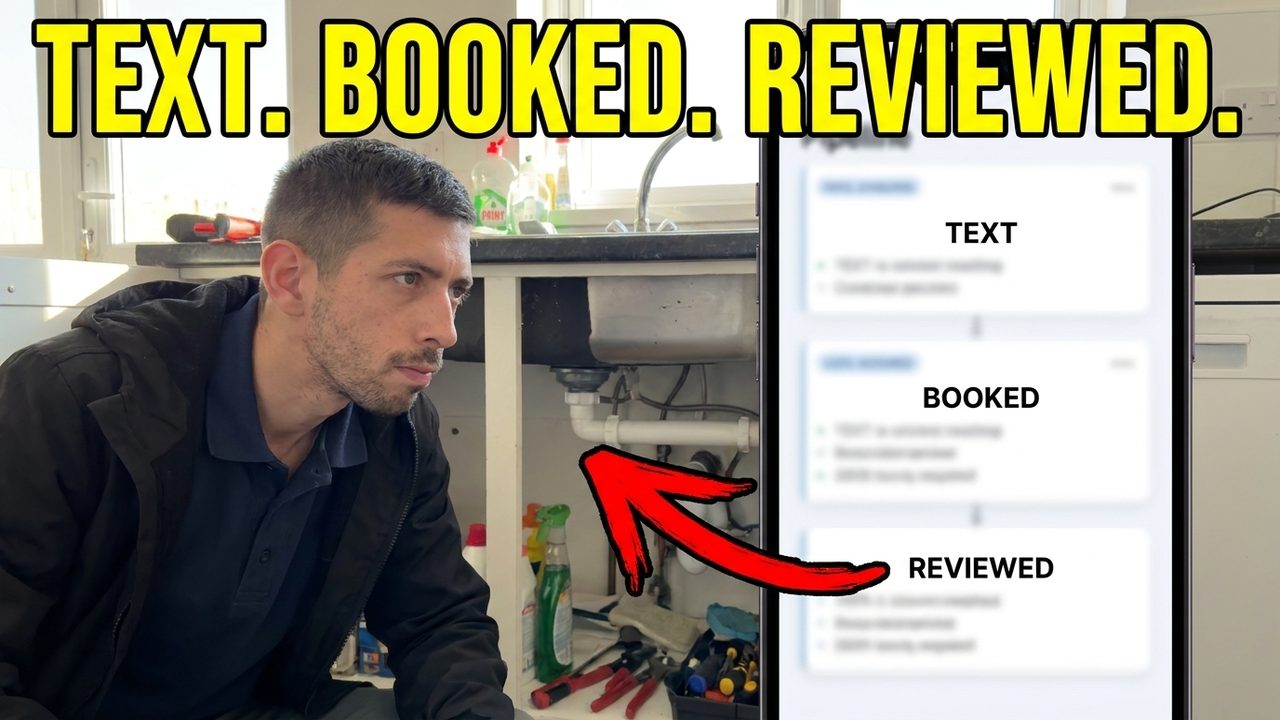
The hard part isn't knowing you should ask. It's remembering at 7pm after a long day. On our Full System, review requests go out automatically after every job, so asking doesn't depend on your memory. You can see how it works on the reviews on autopilot page. Review requests aren't part of the Basic plan, so if that's all you need, a saved text and a good habit will do the same job for free.
Either way, you deal with Charlie directly, a real person based in Medway, not a ticket queue.

Watch it: review requests going out after every job.
Watch it: the three texts that get a plumber Google reviews.
Questions trades ask
Can I take my reviews with me if I leave a lead site?
Usually not. The reviews are part of that site. Ask them what happens to your profile when you leave and get it in writing. Then start building reviews on Google, which stay attached to your own free listing.
Can I copy my old reviews onto Google?
No. A Google review has to be written by the customer. What you can do is ask those same customers to leave one on Google.
Are Google reviews better than lead site reviews?
They do a different job. Google reviews show up in Maps and search, where most local customers start. Lead site reviews mostly help inside that site. If you can only build one, build the one that stays with you.
How many Google reviews does a tradesman need?
There's no magic number. You want enough to look busy and trusted next to the other trades nearby. They also need to be recent enough to show you're working now. Look at the top three names in Maps for your trade and town, then aim to beat them.
If you'd like a hand working out where to start, book a quick call and we'll go through your Google profile with you.
