
Five inboxes and the job was in the fifth: why trades need one inbox
A text. A WhatsApp. A Facebook message. An email. Something through the website form. You get to the end of the day, check four of them at dinner and the job was in the fifth. It had been sat there since Tuesday.
That's not a you problem. It's how a one van trade business runs now. Every customer picks whichever app they already had open and none of them know about the others.
Where the enquiries actually go
Ask any plumber, electrician or decorator where their enquiries come from and they'll name five places without stopping to think. Phone calls and texts. WhatsApp, because it's on everyone's phone. Facebook Messenger, because that's where the local groups are. Email, for the bigger jobs. The form on the website, if there is one.
Each of those has its own notifications, its own badge and its own place to scroll back through. Miss one badge on a busy day and that message drops out of sight. By the time you find it, the customer has asked two other people.
Why it costs more than it looks
A missed message isn't just one job. It's the job, the review that would have followed it, the neighbour they would have recommended you to and the next job from the same house in two years. All gone because a WhatsApp sat unread for three days.
Calls at least show up as missed. Messages are worse, because nobody keeps count of the ones they never saw.
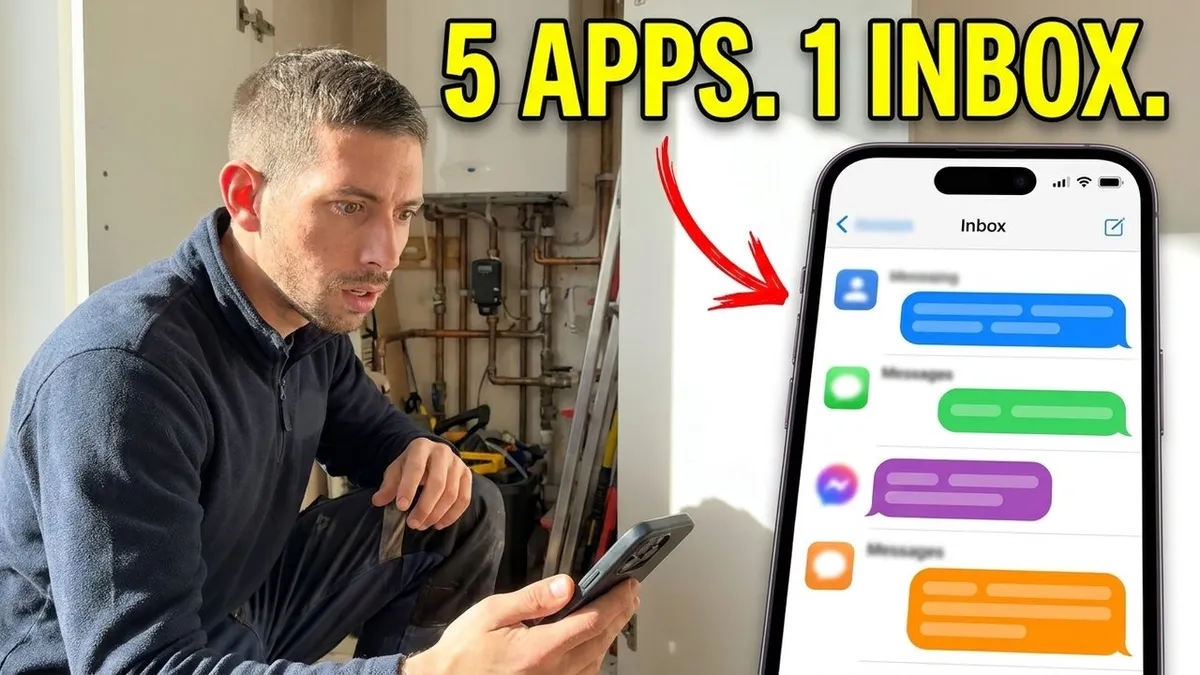
Watch it: one inbox, every message from every app in one place.
What one inbox means
One inbox is exactly what it sounds like. Every message from every place lands in one list on your phone, in the order it came in and you reply from that list. The customer still gets the reply on Facebook, Instagram or wherever they started. You just never have to go looking.
It's part of the Full System, alongside the missed call text back and the AI chat that books. When the text back answers a missed call, that conversation lands in the same inbox too.
A day with five inboxes vs a day with one
With five: a customer messages on Facebook at 9am while you're on a job. Another texts at 11. A third fills in your website form at lunch. You check texts at lunch and reply to one. You see the Facebook message at 8pm. The form email went to a folder you didn't check. One job booked, two lost and you never knew about the third.
With one: the same three messages land in one list. At lunch you see all three, reply to all three in five minutes and book two of them. The third gets an answer the same day.
Nothing about your work changed. Only where the messages land.
What to look for in a one inbox setup
Which channels it covers: texts, Facebook, Instagram, email and your website form.
Whether replies go back on the same app the customer used.
A phone app, because that's where you'll use it.
Notes and history for each customer, so you can see what was said last time.
Whether the AI can reply for you out of hours and hand over when needed.
What to do this week
If you do nothing else, turn on notification badges for every app a customer could reach you on and check them all at the same two times a day. That gets you most of the way for free. There's a wider look at what else you can hand over in enquiry automation for small trades.
Setting it up so nothing slips
Once everything's in one place, a few habits keep it working:
Turn on notifications for the inbox app and turn off the separate ones for each app you've connected, so you're not getting everything twice.
Check it at set times, such as first thing, lunch and the end of the day, if you can't reply as messages come in.
Reply to everything the same day, even if it's only "got it, I'll come back to you tomorrow".
Use notes on each conversation, such as "quote sent", "booked for Thursday" or "chase in a week", so you know where every enquiry is up to.
Rules for replying
Answer the question they asked. If they asked for a price, give a price or a range.
Ask for what you need in one go. Postcode, photo and when they're around, all in one message.
Keep it friendly and short. It's a text, not a letter.
Make the next step obvious. "Reply YES and I'll book you in" or "Does Thursday at 2 work?"
The inbox stops messages going missing. These habits turn the messages into jobs.
A quick checklist
Every channel a customer uses is connected.
You get one notification, not five.
You check it at set times if you can't reply as messages come in.
Every message gets a reply the same day, even a holding one.
Notes on each conversation show where every enquiry is up to.
Questions trades ask
What is a unified inbox for a trade business?
It's one place on your phone where every customer message lands, whichever app they used, so you can read and reply to everything from one list.
Does the customer see a difference?
No. They message you on the app they always use and get your reply on the same app.
Can my partner or office help answer messages?
Yes, more than one person can use the same inbox, so whoever's free can reply.
Is one inbox included in Basic?
No. It's part of the Full System, along with missed call text back, AI chat that books, reminders and review requests.
If you want it done for you, the Full System is £199 a month with no setup fee and no contract. Basic is £99 a month for the Smart Website and job request form on their own. Both are on the pricing page and both are live in 7 to 10 days.
